
Accounts
Account details
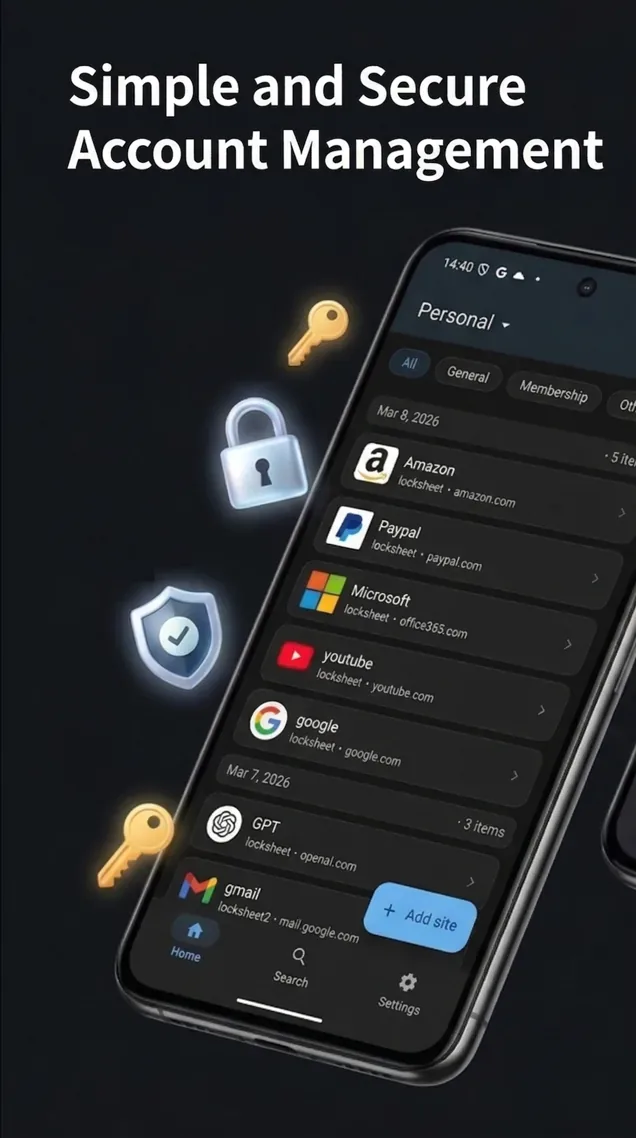
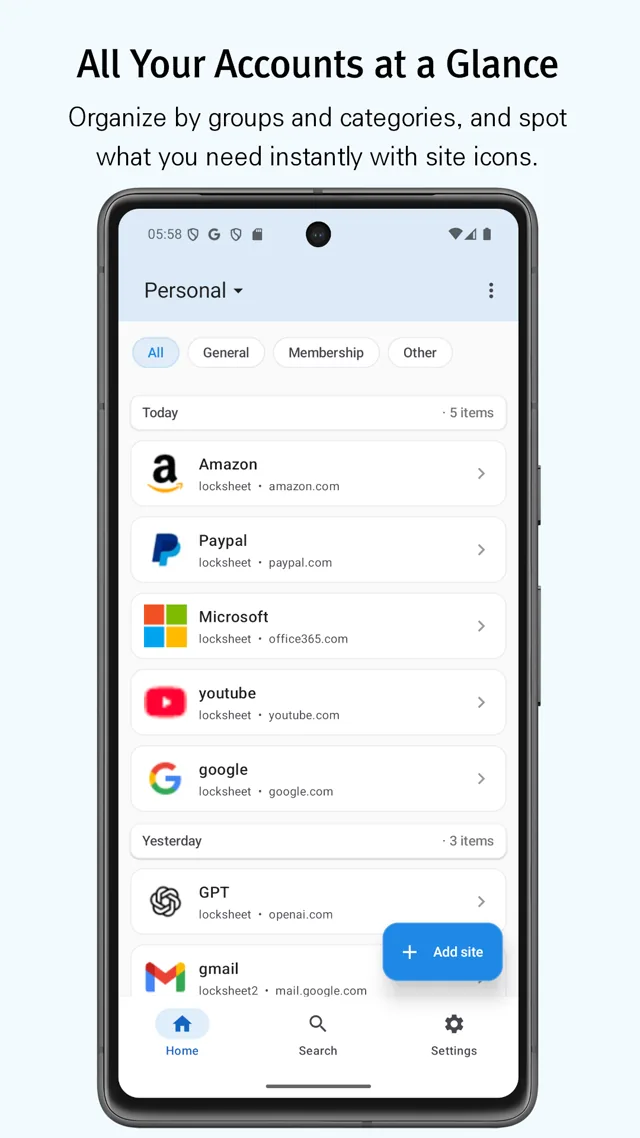
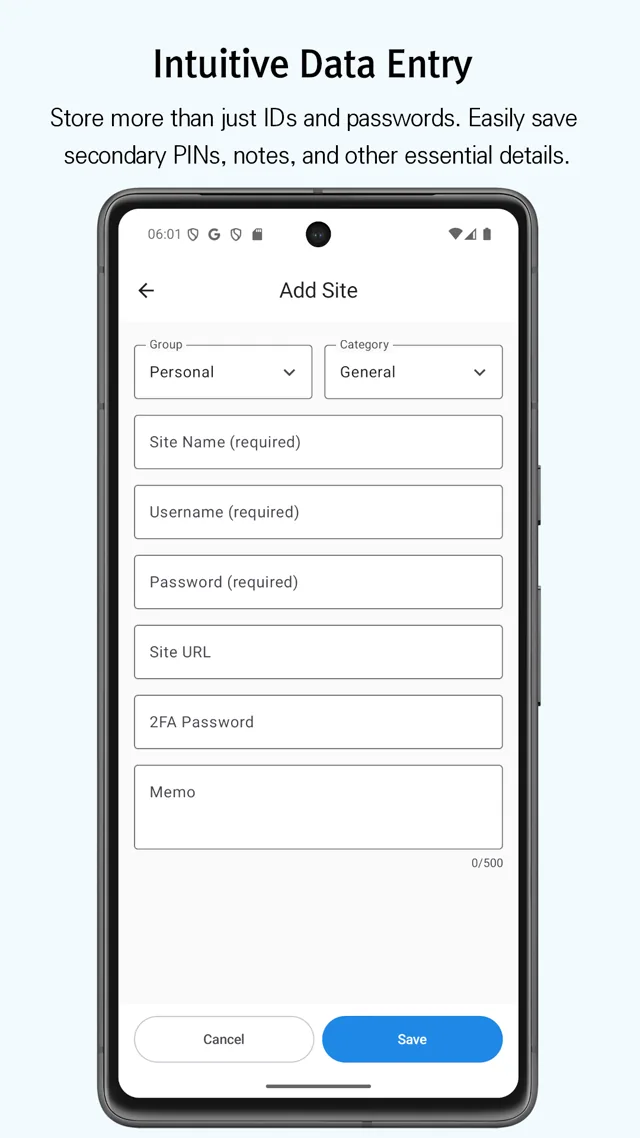
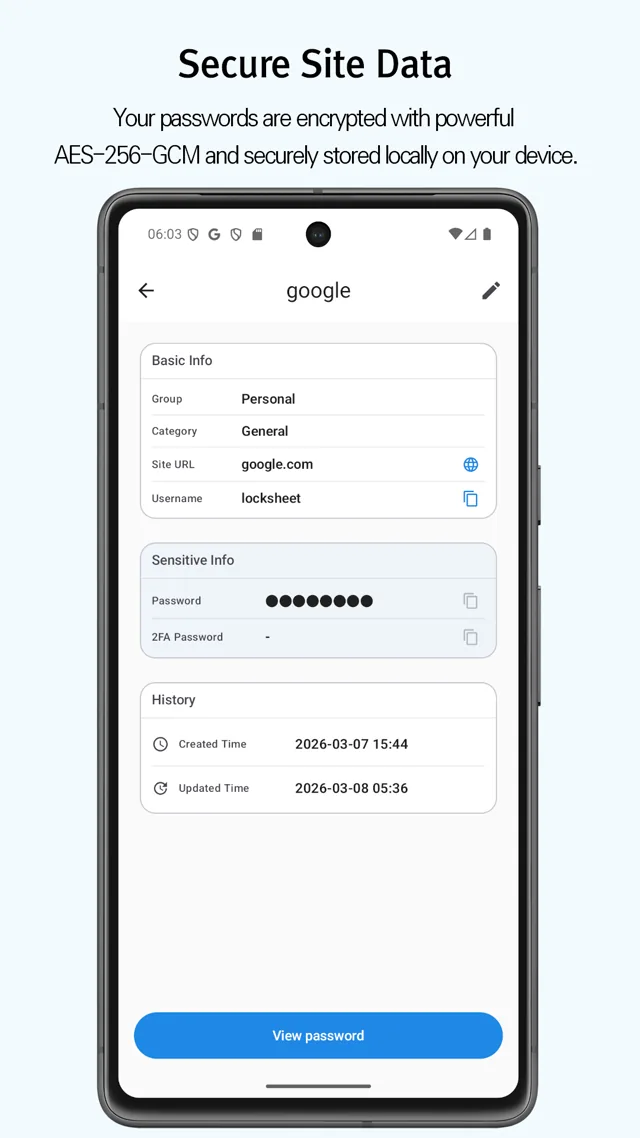
Keep login IDs, passwords, 2FA codes, and notes together, organized by group and category.
LockSheet
Keep login IDs, passwords, 2FA codes, and notes together.
Overview
LockSheet works without a server account. Store, organize, search, back up, and export your account details from the app.
Accounts
Keep login IDs, passwords, 2FA codes, and notes together, organized by group and category.
Security
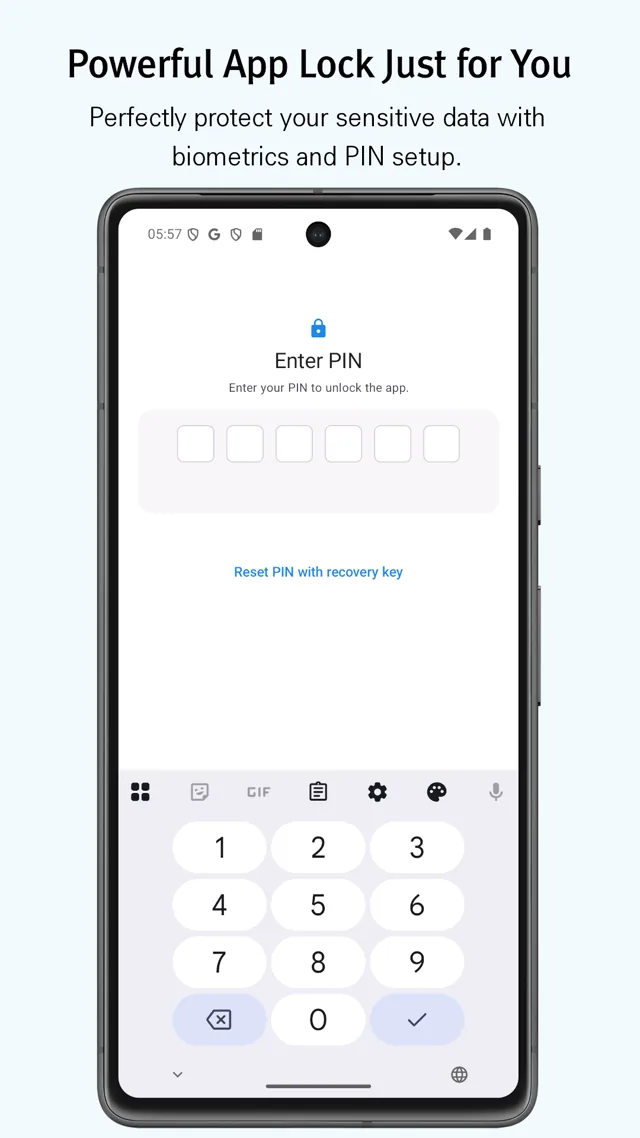
AES-256-GCM and Argon2id protect stored data. PIN and biometric authentication control access to the app and sensitive details.
Backup
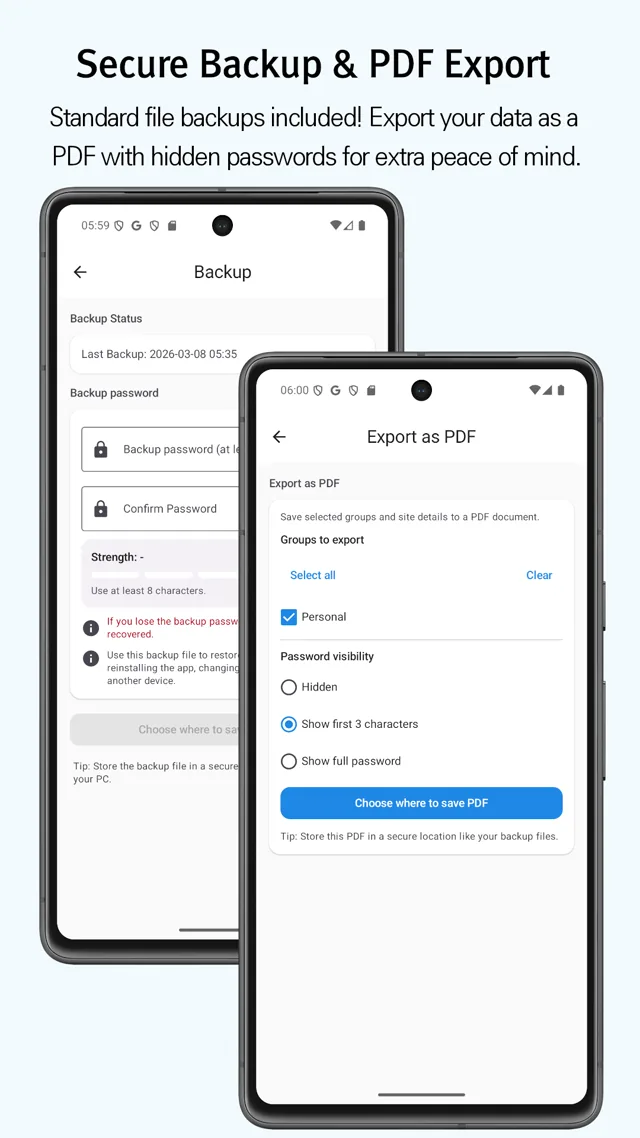
Create an encrypted backup for a device change, or export a PDF when you need a separate copy.
App Screens
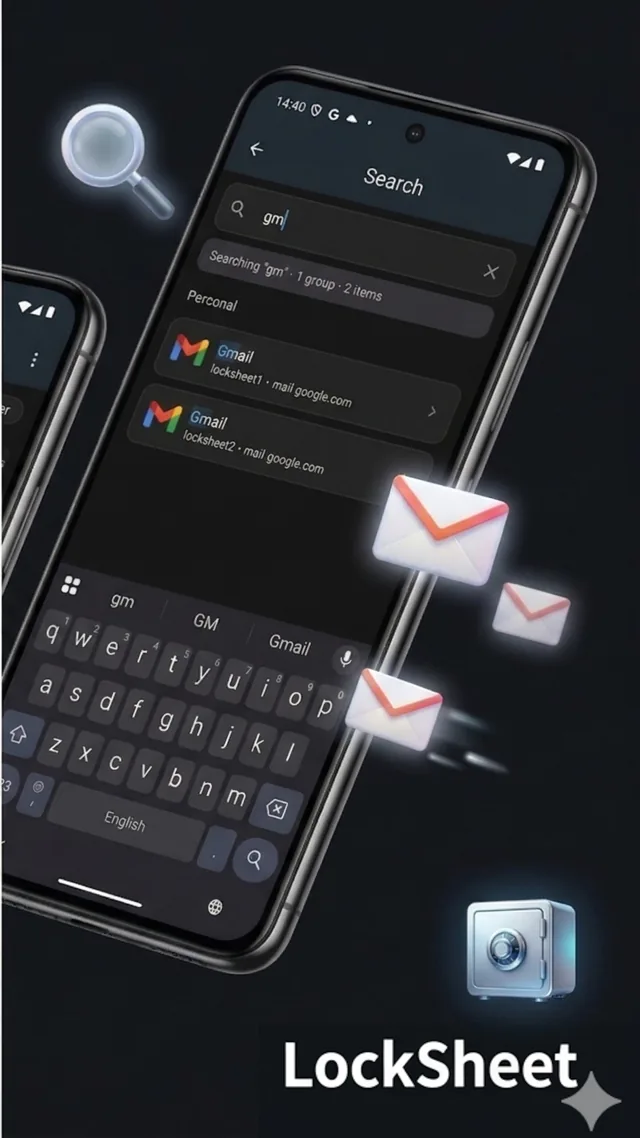
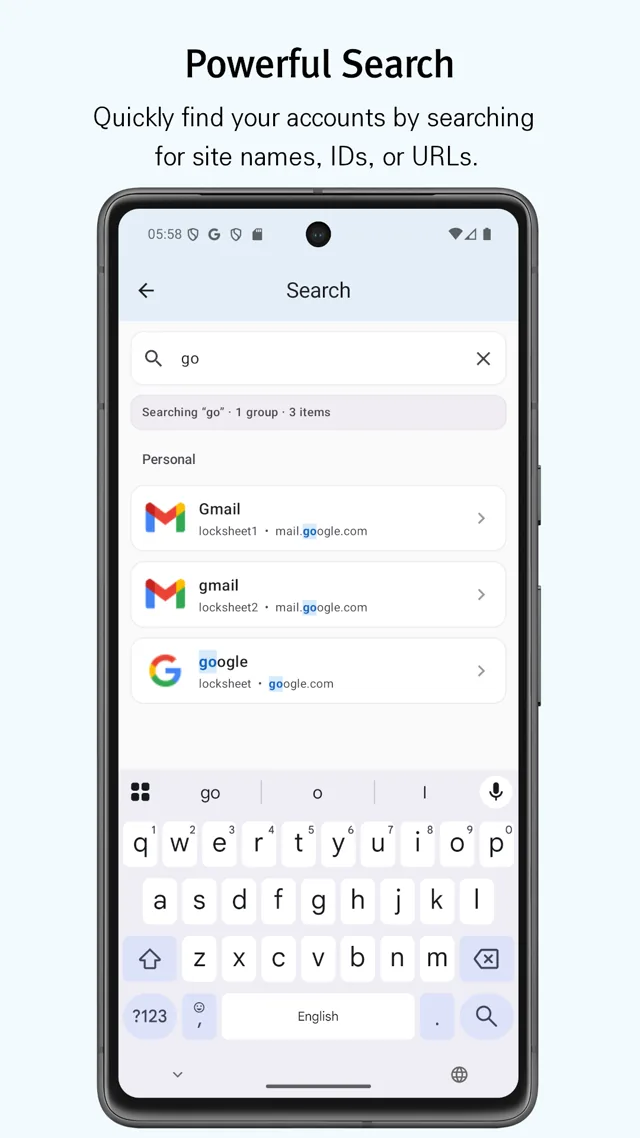
Account lists, search, data entry, app lock, and backup.
Contact
For questions or feature suggestions, include your device and a description of what happened.